
Conversational apps
XOne leverages AI and machine learning to build conversational apps and chatbots for websites, mobile apps, voice assistants and messaging.
The new way to communicate
Communication and natural language
Voice apps are a combination of visual elements and text-based messages (or voice conversations).
They leverage the conversational, instant and personal nature of text-based interfaces and balance it with the graphical elements we are used to seeing on websites and in applications.
The conversation between the user and the bot is enriched with buttons, carousels, attachments, videos, mini-forms and other embedded elements that let users pick a date or complete a transaction without leaving the conversation.

- Templates
- Development tools
- Design
- Speed
- Personalization
- Chatbots
- Mobile apps
- Voice assistants
- Messaging
Advanced apps using voice commands
AI and Machine Learning
XOne harnesses the power of AI and machine learning to build advanced conversational applications, with templates and design options that make it easy to deploy chatbots across multiple channels, such as websites, mobile apps, voice assistants, messaging apps or text interactions, and to interact through those channels simultaneously.
Integration with external systems
The conversational applications developed by XOne can deliver both speed and personalization. Using conversational apps makes it possible to adopt a warm, friendly style of communication and to provide a sense of immediacy.
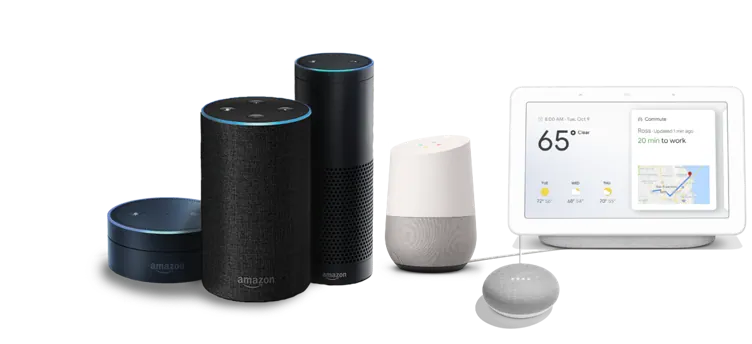
XOne can create apps based on dialogs and NLP, both for working within the app itself and for integration with external systems such as LUIS, Alexa or Google.
XOne modules
Voice-to-Text
Advanced “Voice-to-Text” speech recognition built on Google’s “Cloud Speech-to-Text” and Amazon’s “Transcribe.” It lets users speak naturally with the assistant to carry out their commands.
Chatbot
Non-specialized writing in a chatbot environment, easy to access and immediately integrated with your code. Users can type wishes, commands, queries… in natural language, which the virtual agent will analyze to carry out the complete process.
Touch-to-Talk
A feature that makes it possible to develop and modify apps directly on the device.
The developer has a button that activates “design” mode and appears on every single screen of the app. If they decide to modify one of them, the user just has to tap that button to switch from “normal” mode to “design” mode.
From that moment on, the user can select any element on the screen (the one they want to modify) and, using specific finger gestures on the screen, the element can be moved, enlarged or reduced.
Machine Learning on TensorFlow and NLTK (Natural Language Toolkit)
Programming-oriented text analysis
- For programming actions.
- For requesting programming help.
- For searching for parts of the project code.
Design-oriented sketch analysis
- For generating layouts.
- For inserting the identified elements.
Automatic code generation
- Automatic code reuse.
- Automatic code lookup.
- Suggestion of help associated with the code entered.
- Suggestion of sample code.